June is Bustin' Out!

June is a month when things start cooking. The weather is perfect and Summer solstice is just around the corner. Interesting, exciting, and budding developments with lots of potential are not an uncommon occurrence. Relationships, blossoming gardens, new jobs, new ideas, and new dreams are all associated with June.

We here at Cricut are pretty thrilled about June too due to the fact that the next generation of the Cricut family has arrived. The release of the new Cricut Expression, Cricut Classmate Cartridges, and the announcement of the Cricut Color Inks has simply got us dancin' and singin' around the place. We hope you will find these newest products and all our Cricut products something to dance a jig about as well.

Happy Cricuting,

Lonna Joy Smoot- Editor, Cricut CHIRP!


PROJECT CORNER AND SPOTLIGHT


More Winners
Name:
Nancy Dawson
About:
Hello everyone! I have been scrapping for about 3 years to help my dd play catch up using 13 years of pictures of my grandchildren. I really enjoyed reliving their childhood thru the pictures since I was only able to visit occasionally. The Cricut is a must have' for scrappers and cardmakers. WOW I love the idea of having any size, color or shape font at my fingertips... no more stickers or trying to find just the right color, etc. You know the feeling. The possibilities are 'endless' using the different graphics and any size, color, etc. I am looking forward to retiring soon and 'chirping' all day long! I do want to thank everyone for such nice comments and for the inspiration given with each person's post! My greatest joy comes from using scraps! I try to keep all my Cricut leftovers and create some really cool projects. Happy chirping! Nancy Dawson

Nancy's Project: Animal Tree
Pictures:

Cartridges Used:

Base Camp, Opposites Attract 
Instructions:

Cheery Inspiration - Framed Artwork Cartridges: Opposites Attract Base Camp "Live & Love"  Base Camp w/ shadow 3.5. "Laugh"  Base Camp w/ shadow 3. "Live, Love, Laugh"  Opposites Attract 2, w/ Shadow I used Stampin Up Printed Petals & Paisley Paper; Olive Green; Tempting Turquoise, So Saffron, Pretty in Pink Card Stock. All distressed with matching inks. Doodled around the edges and on the letters. Used clips, brads, buttons to embellish then used Stickles (Diamond Dust) on the Opposite Attract words.


CRICUT BOARD

This week's highlighted threads are:


Announcements: Expression & Classmates now in stock!
Cricut Expression and Cricut Classmate Cartridges are now in stock and shipping at Cricut.com!

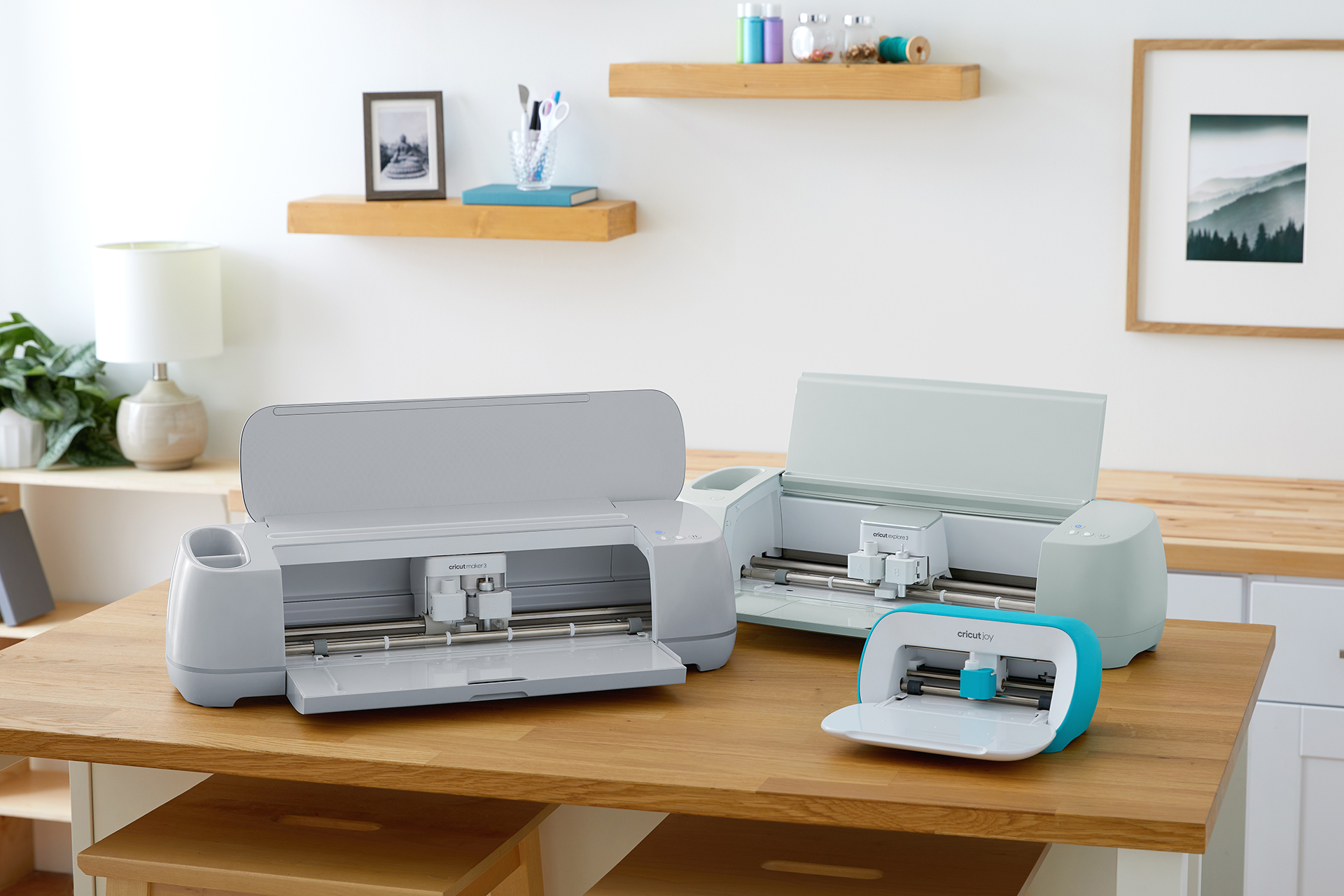
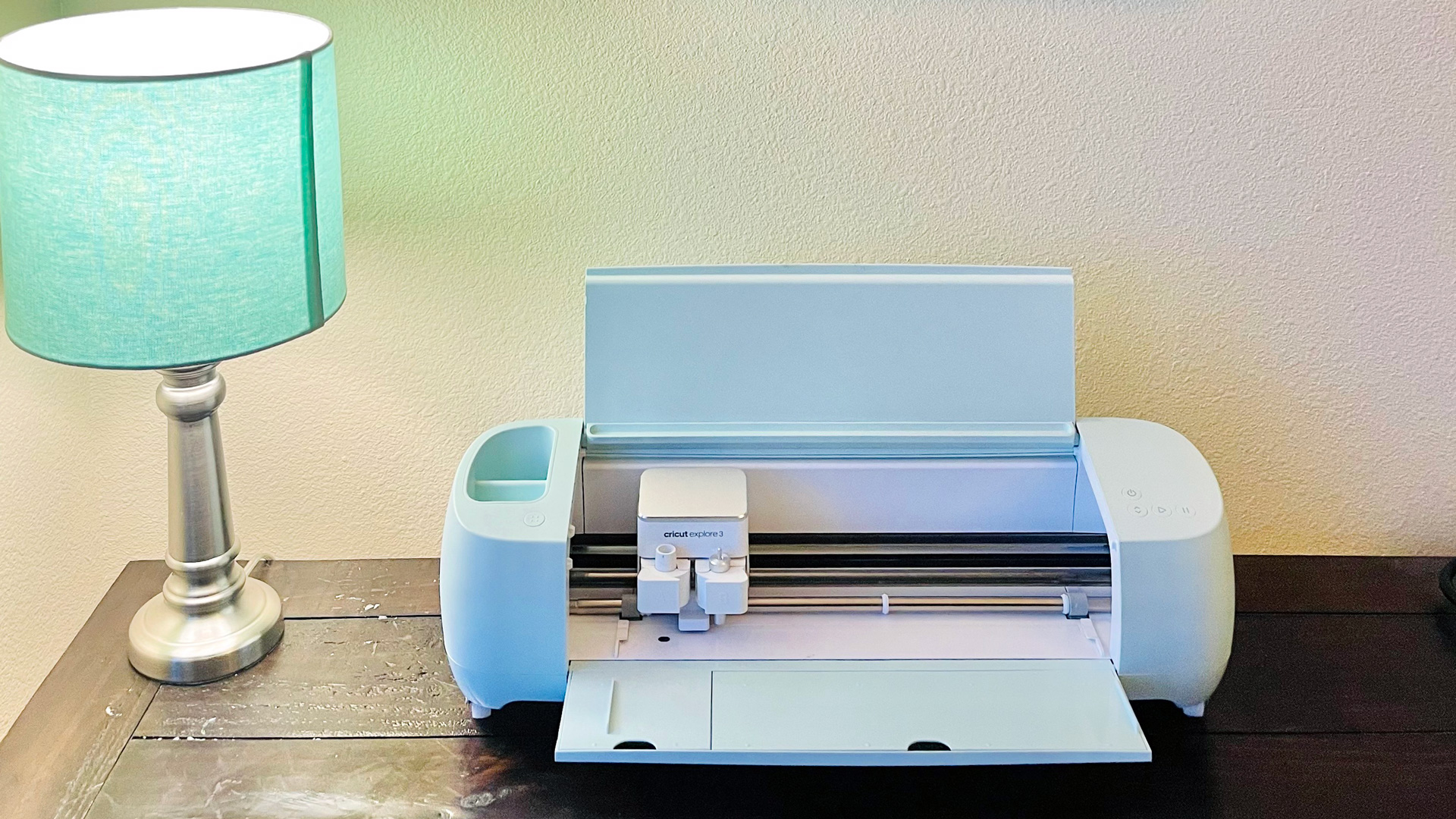
The simple but powerful features of the new Cricut Expression build upon the abilities of the original Cricut machine. With all the quality and convenience of the original cutter, you can now create intricate and detailed cuts as small as 0.25" and as large as 23.5". Cricut Expression works with paper sizes up to 12" x 12" and 12" x 24", significantly expanding your creative capabilities. This impressive machine is also compatible with all of the existing Cricut cartridges.

Cricut Classmate Cartridges are the perfect classroom accessory. 12 different cartridges to correspond with your curriculum, decorate bulletin boards or more. Or use these cartridges as a supplement to your student's assignments. They are perfect for posters, reports, or visual aids. The Classmate cartridges are compatible with your Cricut Expression or the original Cricut!


TIPS TREASURE CHEST - Catridge Library

Check out the Cricut Cartridge Library today. You now have the convenience of visiting one location to preview the contents of all 41 Cricut cartridges!


CARTRIDGE EXPLORATION - The New Cricut Expressions

Cartridges included: Plantin Schoolbook & Accent Essentials 

With the new Cricut Expressions out, I decided I should explore this new machine (yay) and discover what’s new and different with this machine. I had to make a bunch of invitations for a party that my friend is throwing. (Yes, I offered to make the invitations because I just love to play with my Cricut.) With this new machine I whipped 100 invitations out in about 4 hours it was really easy. I found the image that I wanted to use, and then I decided since I needed so many invites I would only make them one image per invite. I could use the back of the image to place the information, so it would look like a postcard. The Cricut Expressions make it soooooo easy.

This new machine, has 6 new modes as well as 8 new functions that are displayed under the mode buttons. It has an LCD screen that you can pull up to view better, this screen shows you what images will be cut before you press the cut button (so no more wasting paper- yahoo!). The first thing I did was turn on the machine and pull out the hand book. I found the information on pages 16 -19 the most helpful on using the new modes and extra feature buttons. I used the Auto fill mode for my invitations, so the Cricut expressions machine could cut as many images as it could out of one 12 X 12 paper. Here's an example, I made a little apple book using the Plantin Schoolbook cartridge. All I did was insert the paper, press the image I wanted, set the dial size, and then press the ok button under the little screen. The screen showed me my image and I decided that I wanted my apple to be a little bit wider, so I pressed the Roly Poly feature on the overlay. Then I watched the image on the screen change- so cool! At first my apple could only be cut twice at a size 6", I wanted more images from this one piece of paper so I changed the size to a 4" then pressed the "ok" button again and the machine told me it could cut 6 images out of the one paper (see picture). I attached the apples with a staple to the side and now I have a little book. I didn’t have any red paper when I was playing, but if I was going to give this away to a friend I would use red paper, cut the leaf and stem out, for each page. Write little notes inside each page and cut a thank you for the front of the book. This would make a cute book card to thank someone for all their hard work. Hummmmm who do I know that would love one of these books..... I will have to think about it.
           
Another fun mode to use is the Mix 'n Match. With this mode pressed you can cut each letter out using a different feature for each letter (see picture). You will want to use these two "-" and "+" buttons under the screen to move back and forth for each letter. I typed in the word that I wanted, and then used the buttons to go back and set each letter to a different feature. I made each letter look different to see what each feature looked like. I can't wait to use more of this style for the titles in my scrapbooks. I just love this new machine, it is so easy to play with, and once you start playing with the extra modes and features you forget what time it is. This could be dangerous, but that's ok at least at the end of the day I will have all these cut scrapbook book or projects made-hehehe!

Tune in next week when I will explore some more with the Cricut Expressions and the cartridges that come with it. Happy scrappn' this week and hope you all have a ball with the new Cricut Expressions if you don't have one yet, it's a must.

See you next week.

Crafty Kimber


TECH SUPPORT NOOK - Q: Are you discontinuing the first model of the Cricut?

A: Rest assured that the first model is not being discontinued. Cricut Expression is the next extension to the Cricut Electronic Cutting System and does not replace the original Cricut Cutter. In fact, many users will find the need for both depending on the type of projects they will do.


Expression Information:

Curious to learn more about the next generation in the Cricut family? Click here and take a look at the Expression introduction video.


QUOTE OF THE DAY

"My father used to say to me, 'Whenever you get into a jam, whenever you get into a crisis or an emergency…become the calmest person in the room and you'll be able to figure your way out of it."
~ Rudolph Giuliani


Use of this Web site constitutes acceptance of our Terms of Use and
Privacy Policy © 2008 Provo Craft & Novelty · All rights reserved
  Get our newsletter