New Products!
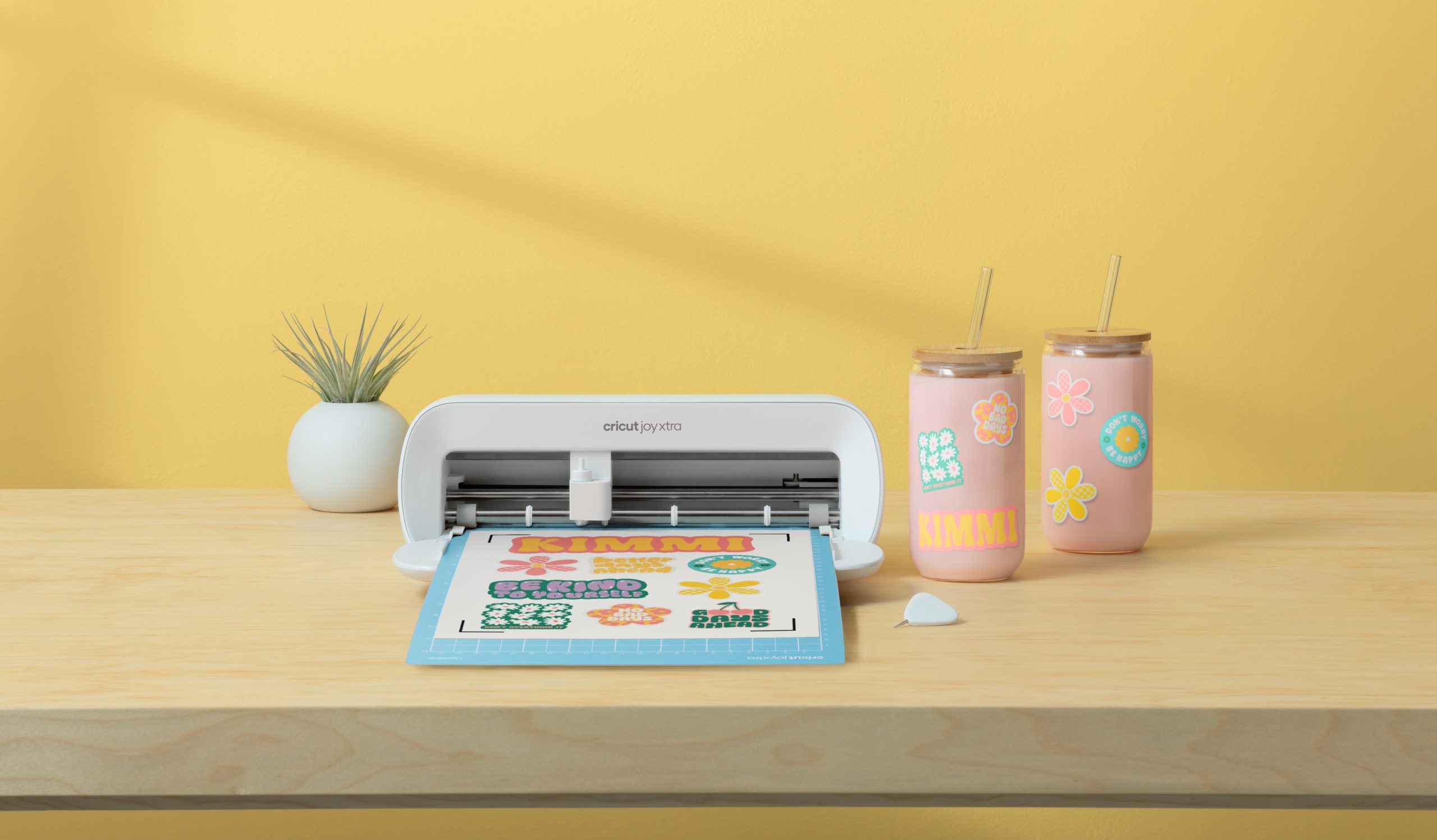
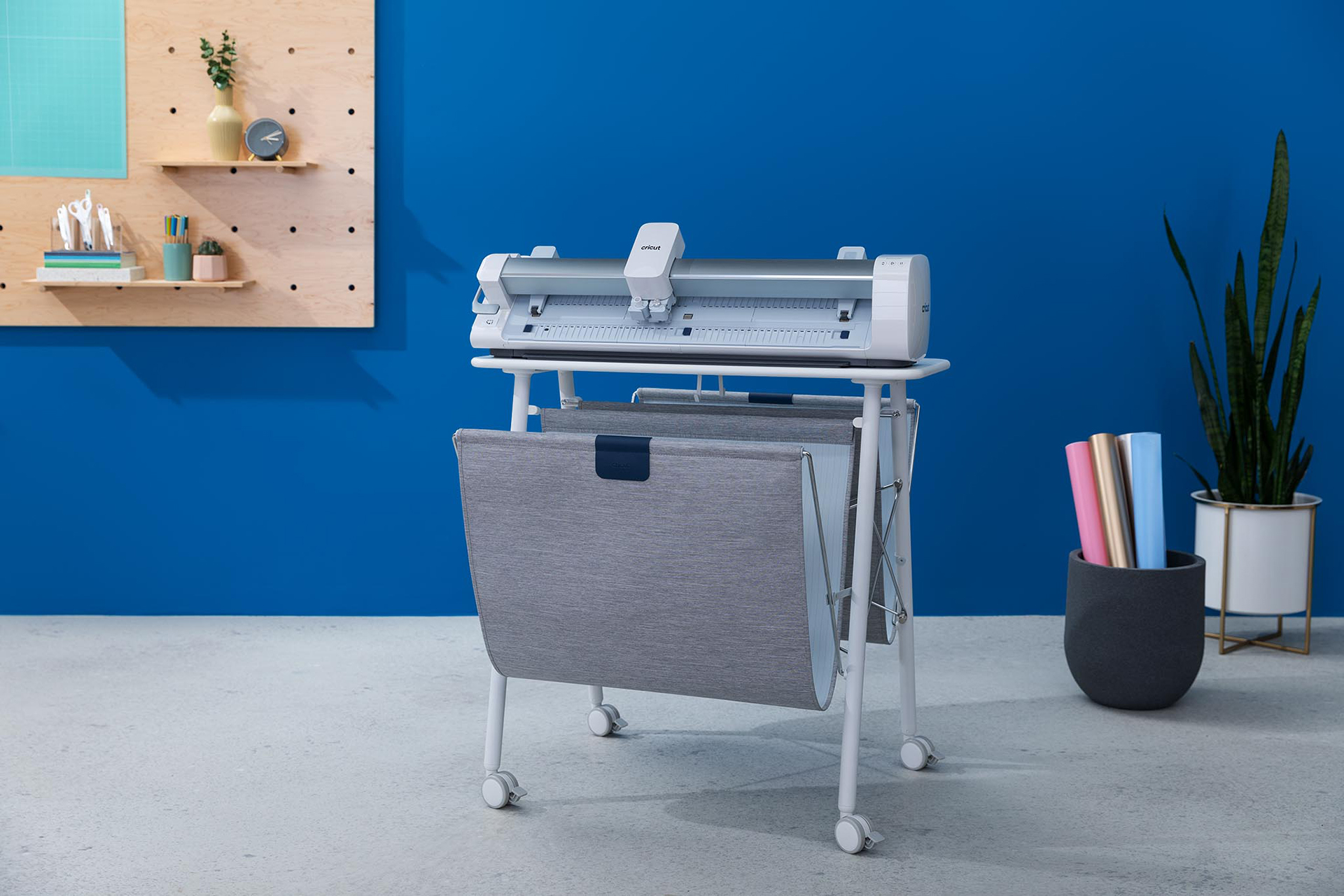
With out a doubt, these are exciting times! Cricut has recently released 5 more cartridges and a new Deep Cut Blade and Housing to it's line of quality products. These wonderful new additions are just too good to pass up! Click on the links below to learn more.
Deep Cut Blade Housing and
Blades New Cricut Cartridge:
Wild Card New Cricut Solutions Cartridges:
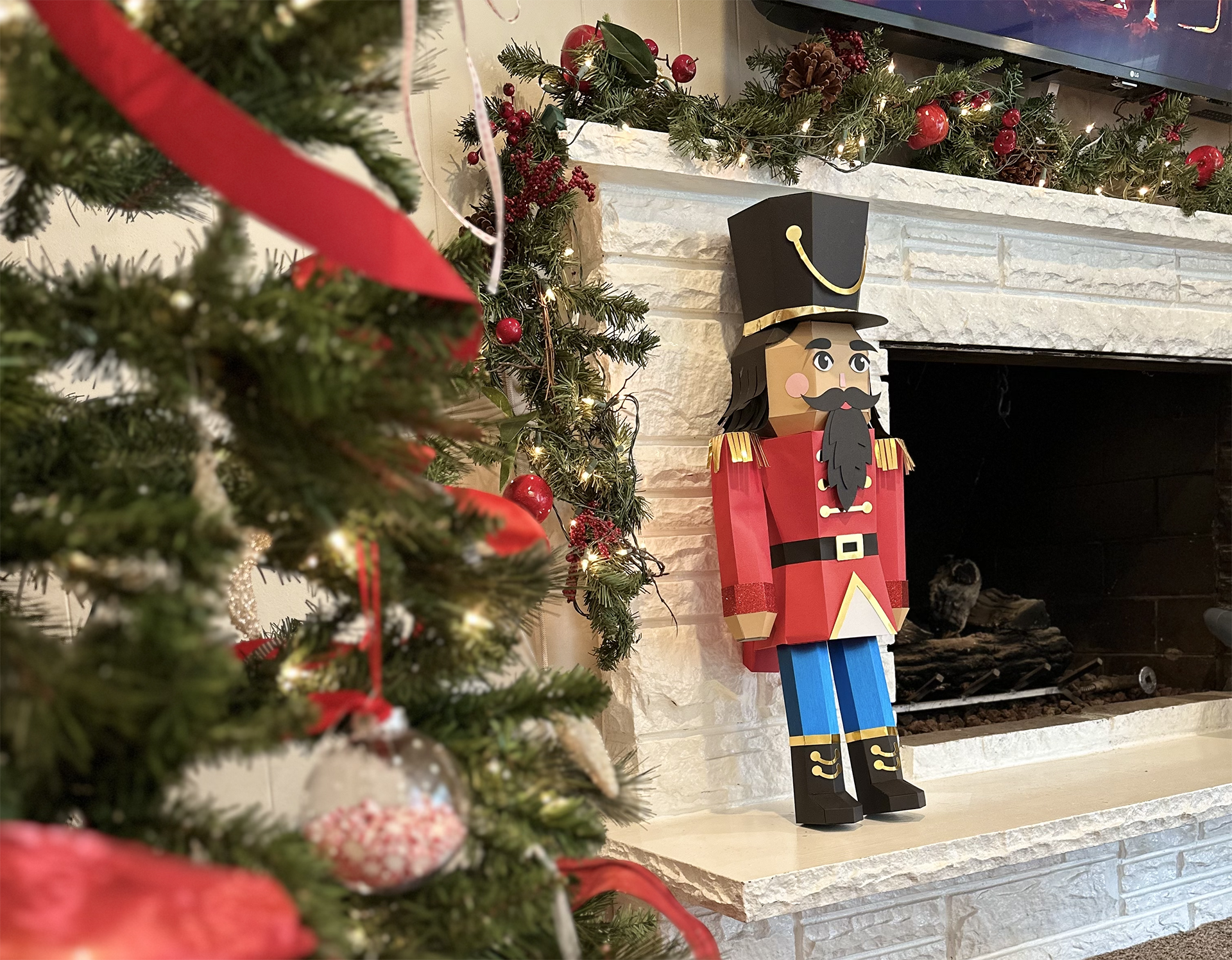
Blackletter font Sans Serif font BasketballChristmasSimply click on the links to learn more about these exciting new products. Remember, the holidays are just around the corner. Have you started your shopping yet?
Happy Cricuting :-)
Lonna Joy Smoot- Editor, Cricut CHIRP!
PROJECT CORNER AND SPOTLIGHT
 More Winners |
Name: |
| Teri Berrios |
| About: |
| Hello!!! My name is Teri. I have been scrapbooking for 3 years and card making for the past year. I am married to a wonderful husband and we have 2 beautiful children. They are the reason for my scrapbooking. My hobby changed the minute I got my Expression. This is the BEST machine ever!!! |
 Teri's Projects: Star Card, and Wedding Card |
| Pictures: |

 |
Cartridges Used: |
 Wild Card |
| Instructions: |
Star Card: Using the Wild Card cartridge, I cut out the envelope first using the FIT TO PAGE feature on the Expression. Then, as it recalculated the size, I wrote it down so I would know what size I had to cut my card. Then I cut out the LINER, stitched the edges of the envelope and assembled it. As for the card, I cut it out using cardstock, then pattern paper, stitched, added the ribbon and painted the edges with Acrylic Antique White paint.
Wedding Card: Using the Wild Card cartridge, I cut out the envelope first using the FIT TO PAGE feature on the Expression. Then as it recalculated the size, I wrote it down so I would know what size I had to cut my card. Then I cut out the LINER, stitched the edges of the envelope, added bow, rhinestones, rub ons and assembled it. As to the card, I cut it out using card stock, then cut it again in a silver cardstock, stitched, added the ribbon, rub on and rhinestones. Hugs, T |

CRICUT BOARD
This week's highlighted threads are:

TIPS TREASURE CHEST - Today's tip comes to you from message board members AmandaHart and Glenda.
Q. Is it possible to make a card out of any Cricut shape that does not have the card feature? ie. a crown shaped birthday invitation. I have
DesignStudio and the
Expression.
A. Then the answer is yes, pretty much! Just copy the first shape, paste it, flip it (if necessary) & weld it!

CARTRIDGE EXPLORATION - Tinker Bell & Friends
This week I went out of town for work to a state that I'd never been too. I decided that even though it is only a 2 day trip, I was still going to scrapbook it. Lately I have got the scrapbook bug and I've been studding all different types of layouts that use photos and die cuts. I am so glad that I have my little Cricut bug (aka Eddie) because he will help me tremendously in my layouts.
For this exploration I decided to go back and explore some more of Tinker Bell & Friends cartridge. I love this cartridge so much, I can't explain it in words. This cartridge is so girly, I love it. There is so much to explore in this cartridge that the first time I featured this cartridge, I didn't cover everything that was in it.
There are thirteen different poses of Tinker Bell in this cartridge. This is a must because Tink has so many different images, and she is my favorite. The rest of the Creative Features will give you the hair, eyes, clothes, plus extras for each of the Tinker Bell images. You can also cut all the other hair, cloths and extras for Tinker Bell's friends. Each of these images also comes with a shadow (This is a sold black outline) that you can cut out and glue at the back of each image. This helps make the images stand out on your scrapbook layout. Other images that come with this cartridge are a wand, plus two magic strands, that will accent any image, flower, or scrapbook title very well. Fawn (Tinker Bells Friend) has two images and two butterfly images; Rosetta has two different images plus a flower and a corner flower arrangement. Iridessa has two different images and a corner flower with leaves. Silvermist has two different images and two flowers. You also get a tree images, a mushroom, and a leaf that's in the shape of a long heart. There are three additional different flowers to choose from that will compliment each Tinker Bell and Friends image. This cartridge also comes with three bulbs that will flatter any image.
You could use any of these flowers with any Mother Day, Wedding, or Christmas photo. Other ideas where you could use these images with are: a girl's party invitation, birthday day card, or wall decorations. If you like all the friends then you also get the names of each of the fairies. I think I am going to make myself a decal of Tinker Bell for my car. I can just picture it now--a pink vinyl "Tink" on the back of my white car. I think I will also cut out the flowers and stick them around the word--I am so funny.
Here are some examples that I found on the message board:

-
Birthday invitation (see pic on the right) by Tanyaisis
-
Birthday Card by KatesaCraftyBugger
-
Book about Tinker Bell by MichelleSalem
I am so amazed at all the creative ideas that are on the message board. If you have created something you want to share you should post it on the message board at
www.cricut.com.
Happy Cricuting! Check out next week and see what I explore.
Crafty Kimber

TECH SUPPORT NOOK - Q: I'm having trouble posting a photo on the message board. How do you upload photos on the message board threads? I have tried and tired to figure this out. Can anyone walk me through posting a picture in my profile? Where it goes right under your name. I have tried everything I know how to do. I even tried to search the archives -- I wasn't successful at that either. Any help would be greatly appreciated.
A: Adding an Avatar
1. Login
2. Click "my profile" on the menu
3. Scroll down and find the "My Avatar" section, click on the "Upload My Picture" link
4. Upload a picture 145px x 145px, 9,999KB
Picture too Big?
You can right click on the file and choose properties to view the file size. Use an image editing program to re-size.
For windows you can use a free power toy from Microsoft.
Try Photobucket - a lot of the messageboard users recommend it for hosting and re-sizing.

QUOTE OF THE DAY
| "Well-timed silence hath more eloquence than speech." ~ Martin Fraquhar Tupper |