Cricut Craft Room

The only limit: your imagination.

Welcome to a whole new way to create. The free Cricut Craft Room® online design software makes it easy to design and create projects with your Cricut® machine.

Simply select a Cricut® image you own and drag and drop it on the virtual cutting mat. Then size, slant, rotate, weld, or flip images to create the perfect project. When you're finished, connect your Cricut® machine to your computer with a USB cable so you can cut what you've designed.

Just download the free Cricut Craft Room® design software. Then log on with your Cricut.com account to get started.

Desktop Version : Cut, design, and save.

Connect your Cricut® machine directly to your computer and start cutting with a mouse click or a keystroke. Just download Cricut Craft Room® application to get going.


Possibilities

The Cricut Craft Room® design software
will revolutionize the way you create.
It's designed to work with your Cricut® machine.

Enhance images to fit your project
needs — simply size, slant, rotate, or flip.
You can also type your favorite word or
phrase and weld the letters together
for a single cut.

 Create with and cut all of the Cricut®
images you own. Simply link each
cartridge to your Cricut Craft Room®
account to have permanent digital
access to those images.

Explore the entire Cricut® image library
and purchase digital images for
immediate use. There are over 300
cartridges available — including images
you can’t find anywhere else!

Get your projects started with the ideas,
detailed instructions, and cut files in the
Cricut® Project Center. The design work
is done for you! Simply download a file,
upload it into the Cricut Craft Room®
design software, and press cut.

Just for logging in, you’ll automatically
receive Cricut Craft Room® Basics, which
includes a font and a collection of versa
-tile images.


Frequently Asked Questions

  • What comes with the Cricut Craft Room® design software?
    • Everyone who uses the Cricut Craft Room design software has access to Cricut Craft Room® Basics, a free digital cartridge.
    • These images are available to cut with all Cricut® machines.
  • What are the computer and internet requirements?
    • The Cricut Craft Room® design software is compatible with both Windows® and Mac® operating systems and requires a high-speed internet connection. Make sure your computer and internet connection meet these minimum requirements:
    • Windows® OS
    • Intel® Pentium® III 1GHz or faster processor; Intel Pentium 4 2GHz or faster
    • Microsoft® Windows® XP Home or Professional with service pack 3 (including 64-bit editions); Windows Vista® Home Premium, Business, Ultimate, or Enterprise (including 64-bit editions) with Service Pack 2; or Windows 7 (including 64-bit editions)
    • 512 Mb of RAM (1 Gb recommended)
    • Available USB Port
    • Mac OS
    • Intel® Core™ Duo 1.83 GHz or faster processor
    • Mac OS X v10.5 or later
    • 512 Mb of RAM (1 Gb recommended)
    • Available USB Port
    • Display
    • Minimum 1024 x 768 screen resolution
    • Software
    • Internet Explorer® 9.0, Firefox®, Safari®
    • Adobe® Flash® 10.3 and up
    • Adobe® AIR® 2.7 and up
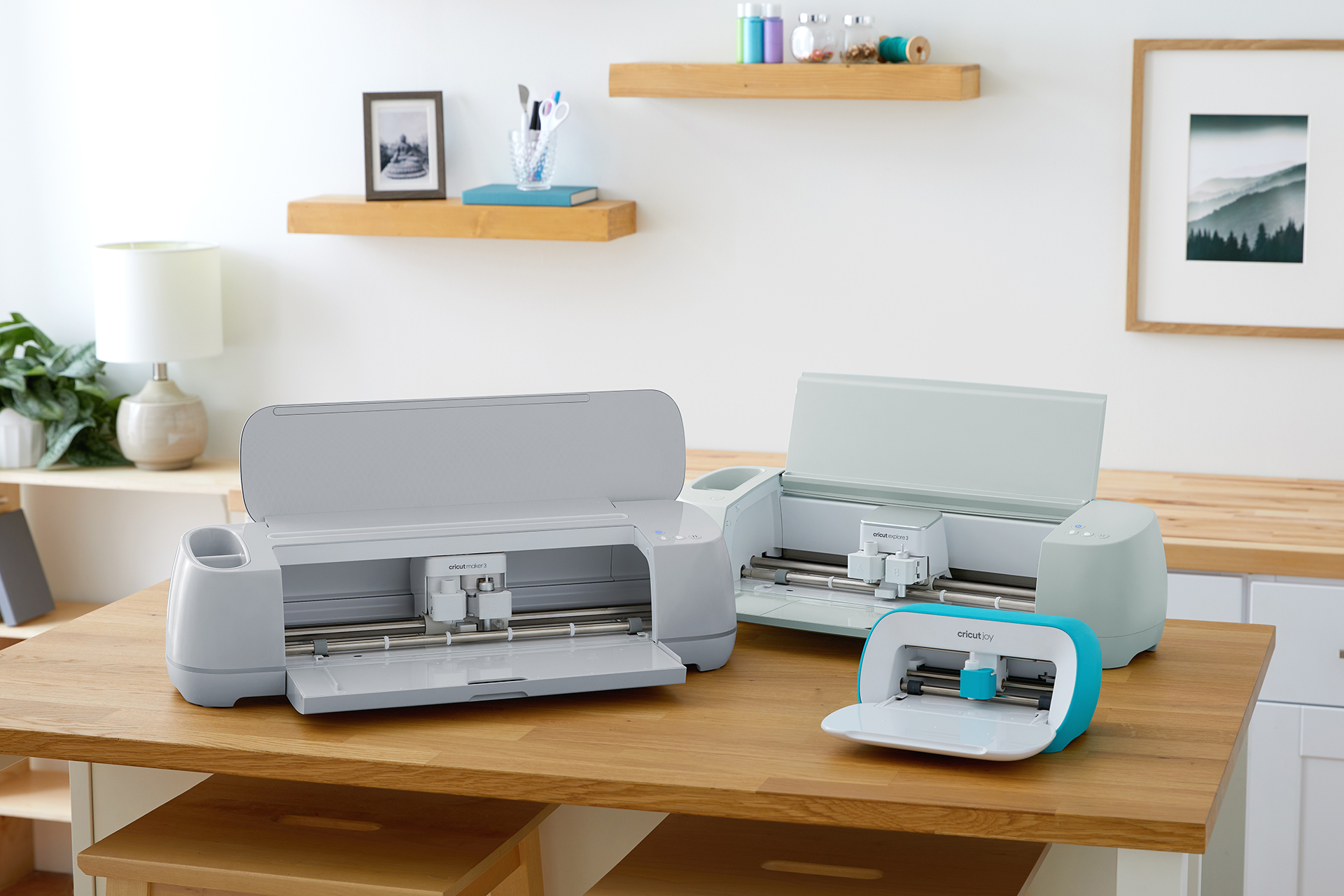
    • You will also need a USB A/B cable to connect your Cricut® machine to your computer.
  • What Cricut® machines work with the Cricut Craft Room® design software?
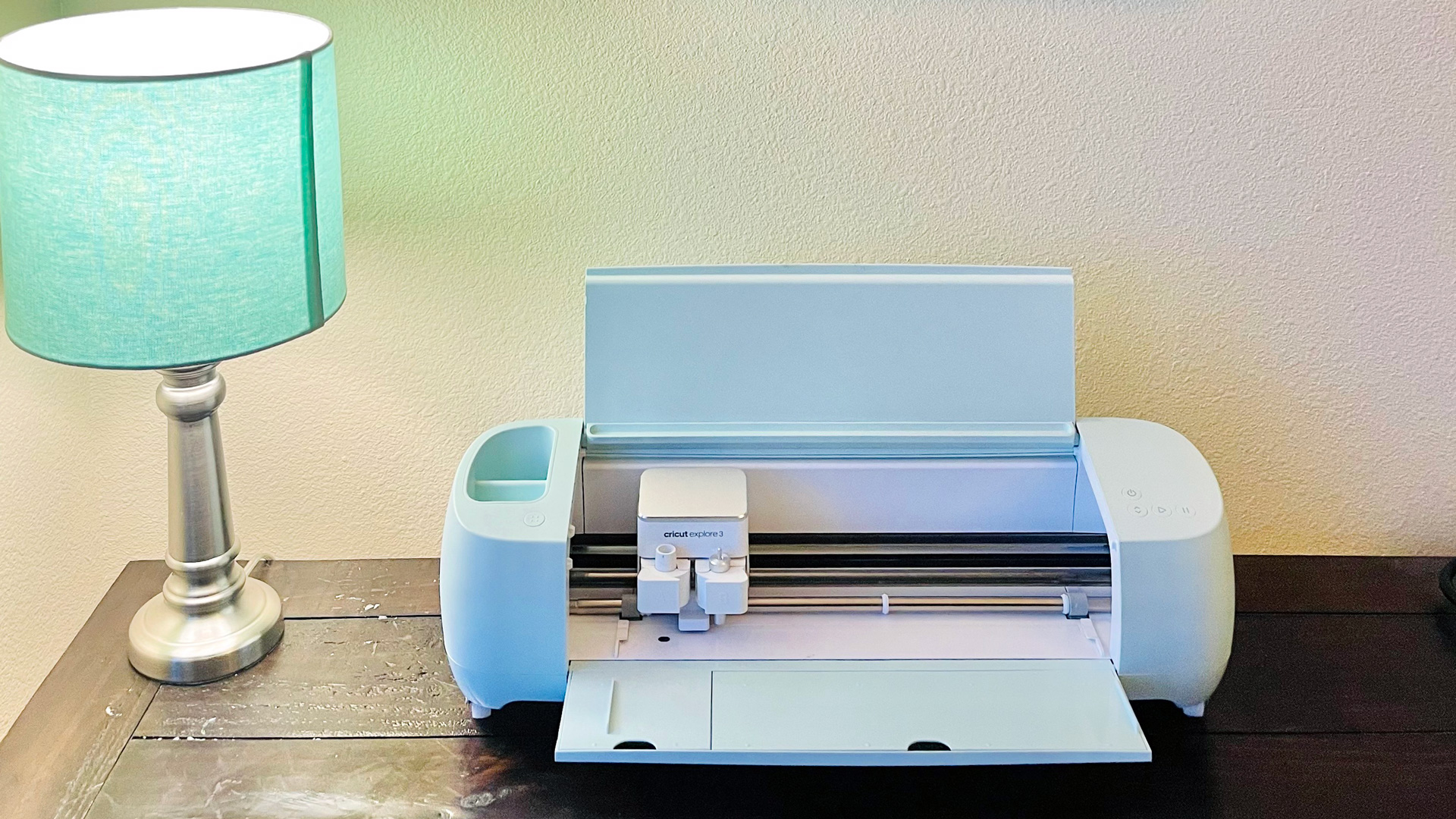
    • All Cricut® machines can connect to the Cricut Craft Room design software. Some functionality is not available for certain machines.
  • Can I save project files?
    • You will be able to save files created on your account and access them from any browser. You can also export and save your project files to your computer, making it easy to share your files with other Cricut® machine users. You can also import and use Cricut Gypsy™ files.
  • Is there additional help or video tutorials available for the Cricut Craft Room® design software?
    • Yes, you’ll find a detailed help section — including videos — here
  • Is there an online only version of the Cricut Craft Room® design software?
    • Yes. The web version allows you to explore, design, and save from anywhere; however, you are not able to cut from the web version. Cutting is only available when using the desktop version of the Cricut Craft Room design software.
    • The web version of the Cricut Craft Room design software can be found here